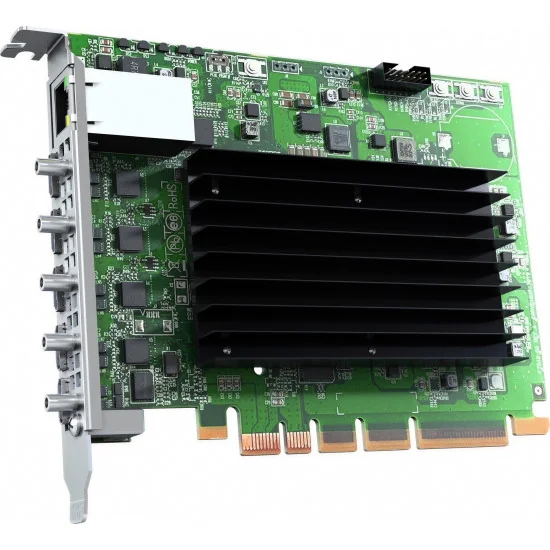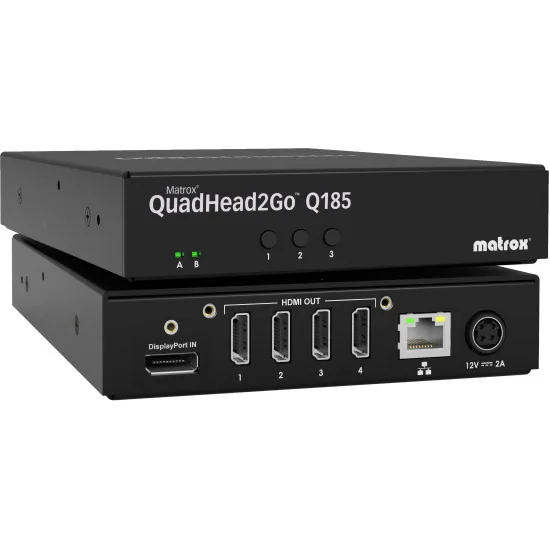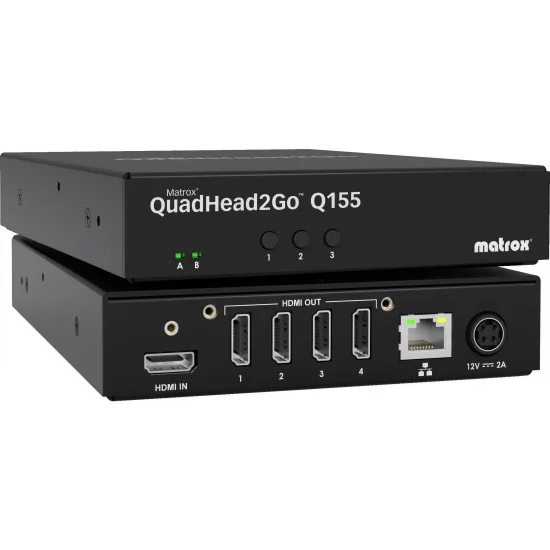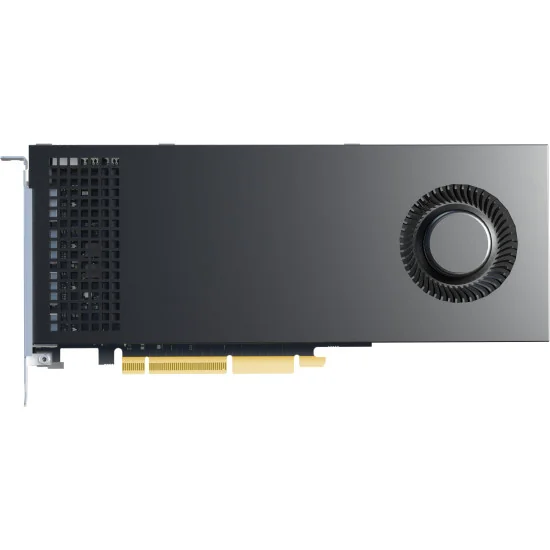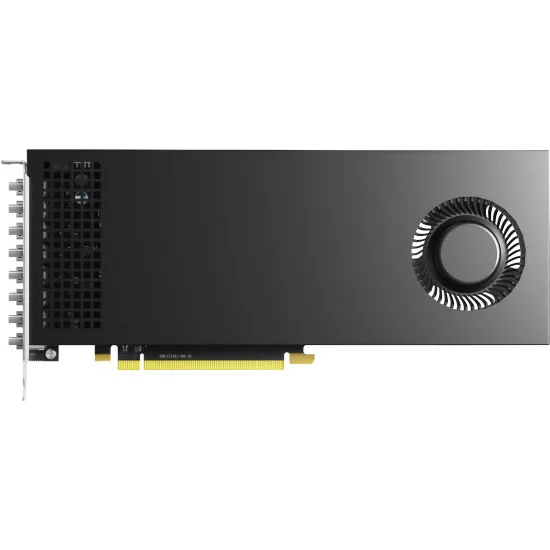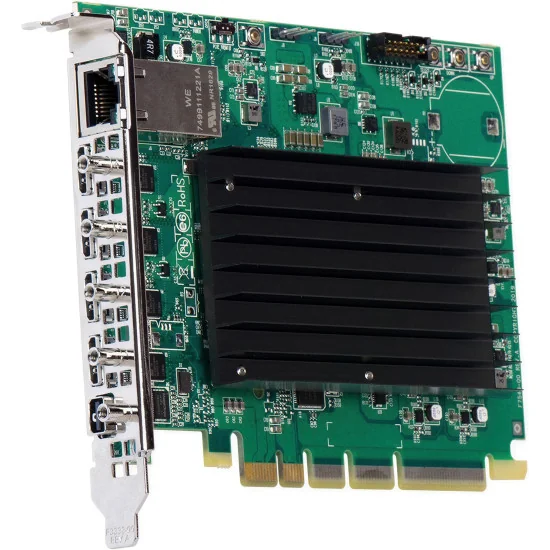
Matrox QuadHead2Go Q185 4K DP / HDMI Multi-Monitor Controller PCIe Card
€1,249.00
Matrox QuadHead2Go Q185 Card turns one Mini DisplayPort 1.2 feed into four synchronized outputs for compact, high-density video walls....
Filter By
Price
Price
€1,249.00 - €3,999.00
Type
Type
Video Input
Video Input
Video Output
Video Output
Video input channels
Video input channels
Video output channels
Video output channels
Max Input Resolution
Max Input Resolution
Max Output Resolution
Max Output Resolution
Form Factor
Form Factor
Output colour sampling
Output colour sampling
Multi-monitor controllers, multi-display graphics cards, video wall processors/controllers and accessories for composing, scaling and managing multi-screen video walls in pro AV.
Active filters
In control rooms, studios, OB environments and corporate stages, a video wall is rarely “just screens”. The hard part is turning mixed signals (cameras, media servers, graphics, remote feeds) into a single coherent surface with predictable timing. That is the job of video wall processors and related building blocks: multi-monitor controllers, multi-display graphics cards, signal processors, and the accessories that keep routing, sync, and control stable under show pressure.
Professional buyers usually start with three constraints: how many pixels must be driven, how many sources must be shown at once, and what level of timing discipline is required (frame-accurate switching, low latency, genlock). The answers decide whether you need a “split one output to many displays” appliance, a high-density GPU card, or a full screen-management system that composes multiple layers, scales them cleanly, and distributes them across a wall without tearing.
Multi-monitor controllers are the quickest path from one high-resolution output to multiple displays. They take a single input (often HDMI or DisplayPort) and present it to the wall as a mapped canvas—useful when the source is already composed (for example, a playback server, a graphics workstation, or a conferencing PC). This class is common in digital signage corridors, studio “confidence” walls, and broadcast engineering bays where operators want a large desktop spread across 2×2 or 1×4 layouts.
When you compare devices here, look for the input ceiling (typical checkpoints are 4K/60 and, in some cases, very large canvases), chroma handling (4:4:4 matters for crisp UI text), and the presence of stored presets so technicians can recall a wall layout without touching the source computer. Solutions from Matrox in this category are well known for turning a single signal into four synchronized outputs with repeatable configuration, which is exactly what touring teams and fixed installs value when the wall must come up reliably after every power cycle.
If the wall is driven directly by a workstation, encoder, or a dedicated control-room PC, multi-display graphics cards become the core. Unlike external splitters, a GPU-based approach gives you native multi-output timing, flexible desktop modes, and better headroom for real-time content (dashboards, NLE timelines, multiviewers, data overlays). In production settings, this is often the cleanest way to build “personal video walls” at operator desks or to drive multiple confidence monitors plus a large LED surface from one machine.
Spec-wise, evaluate output count and connector type, maximum aggregate resolution, driver maturity for your OS, and management tools for bezel compensation and window placement. Matrox’s multi-display heritage (including professional cards and management utilities) is frequently referenced for business-critical multi-screen stability, while higher-end capture/processing ecosystems can extend the concept into integrated ingest + output for video wall controller builds.
A true video wall processor is where mixed sources become a composed presentation: multiple windows, layers, crops, scalers, transitions, and clean timing across the wall. This is the category chosen for live events, broadcast sets with moving backgrounds, control rooms that must show many inputs simultaneously, and streaming studios that want a wall to behave like a giant programmable multiviewer.
Key parameters professionals check first: number/type of inputs (HDMI/DP/SDI, and sometimes IP), windowing capacity (how many sources at once), scaling quality, and latency. For premium show control, features like genlock, 12-bit processing, and consistent color sampling are practical—not marketing—because they reduce artifacts on LED walls and large projection blends. Barco’s Event Master lineage (for example, systems associated with Barco) is widely specified in live production due to its emphasis on low latency and high-fidelity processing, especially when walls become part of the “stage picture” rather than a passive display surface.
For integration-heavy environments (campuses, houses of worship, corporate broadcast), you will also see processor families that focus on structured AV control, predictable signal handling, and deep configuration. If your installation is built around standardized control and long-run transport, the ecosystem matters as much as the headline resolution. That is why many system designers cross-shop solutions from Extron when they need consistent switching behavior, control integration, and an install-friendly approach to scaling and distribution.
The phrase video wall controller is sometimes used interchangeably with processor, but buyers often mean the “management” side: the system that routes sources, assigns content to screens, and provides operator control (local panels, web UI, API hooks, or enterprise control systems). In practice, the controller role becomes critical when walls are shared—newsroom by day, event staging by night—or when content comes from many endpoints, including remote encoders and IP devices.
Here the decisive checks are control options (role-based access, presets, scheduling), integration (APIs, third-party control), and distribution method (direct outputs vs. IP endpoints). Kramer’s IP-centric AV stacks, associated with Kramer, are often evaluated when the wall is part of a wider networked system and operators need fast switching plus scalable endpoint growth without rebuilding the entire physical layer.
Video walls fail for small reasons: marginal cables, unstable EDID, mismatched color formats, or control links that drop under load. The “accessories” category is therefore not optional. In pro deployments, that includes EDID/HDCP handling where appropriate, signal extension for long runs, rack power planning, and monitoring tools that let engineers confirm what the processor is actually receiving and outputting.
Finally, treat the wall as a chain. A processor that supports 4K/60 is only as good as the source devices feeding it, the distribution layer carrying it, and the displays receiving it. When you align pixel budget, timing, and control method from the start, Video Walls Processors stop being a troubleshooting topic and become a repeatable production asset—whether the goal is a studio background, a command-center overview, or a live-event canvas that must switch cleanly on cue.
check_circle
check_circle