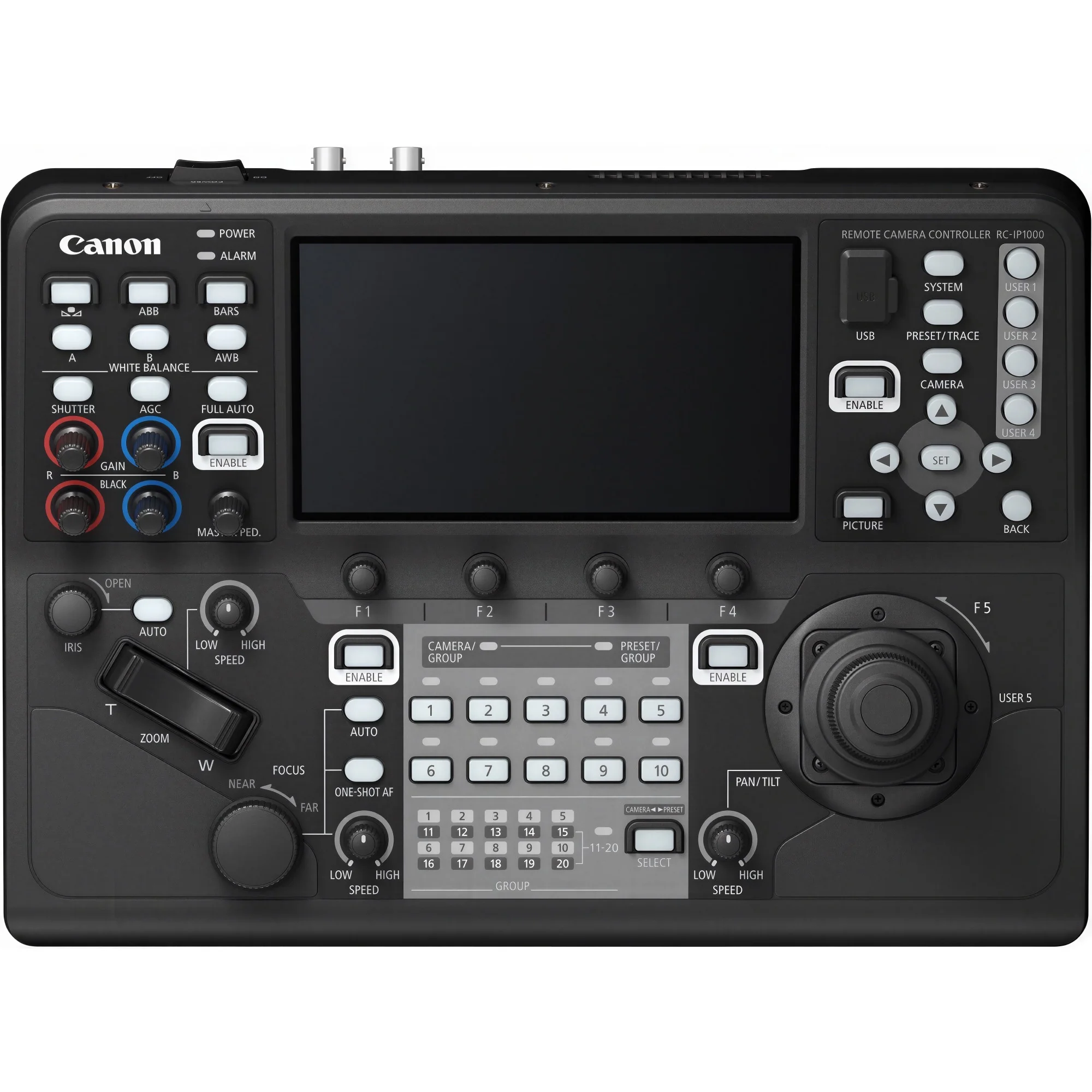
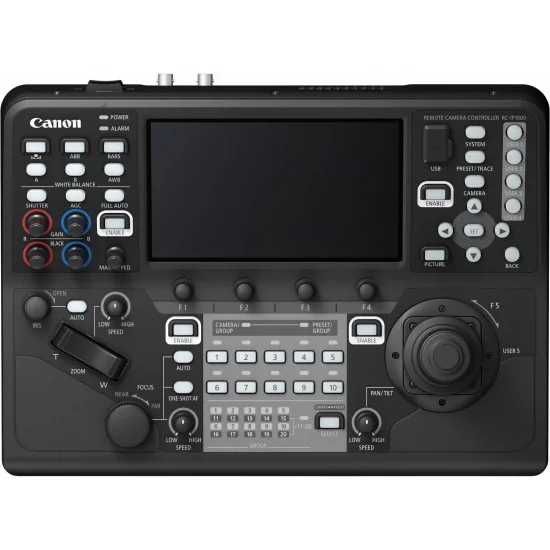
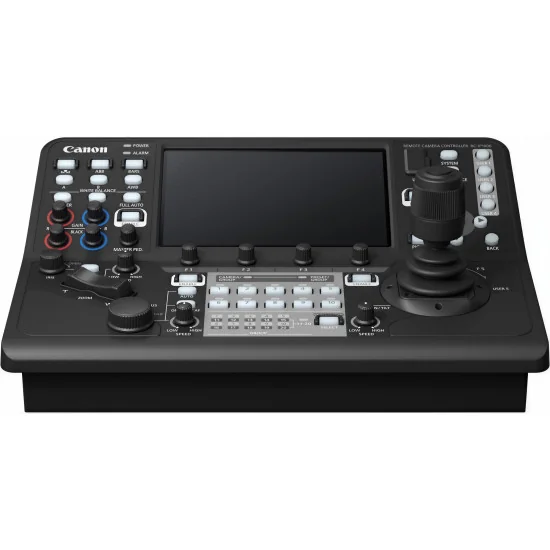
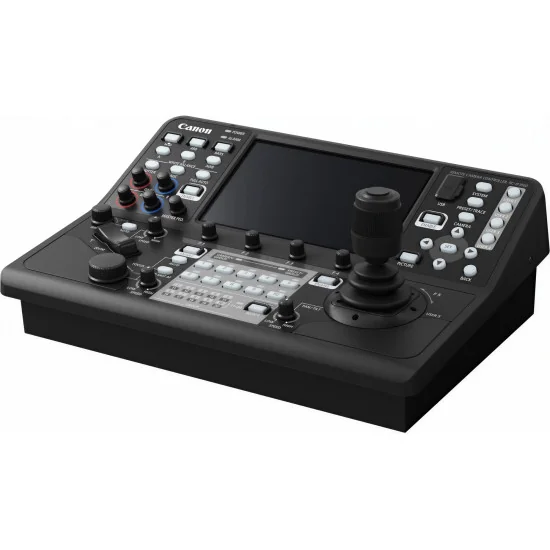
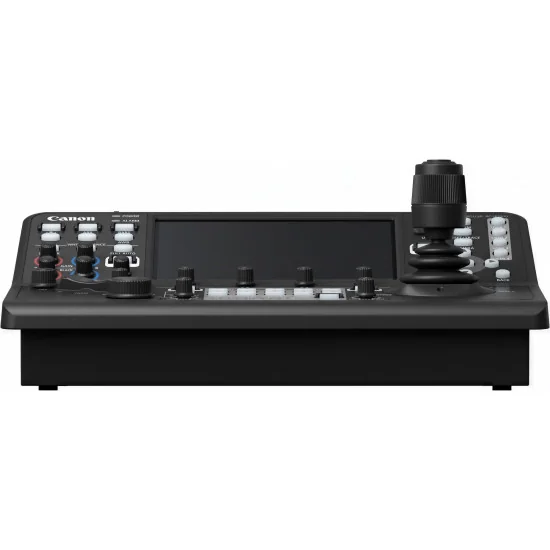
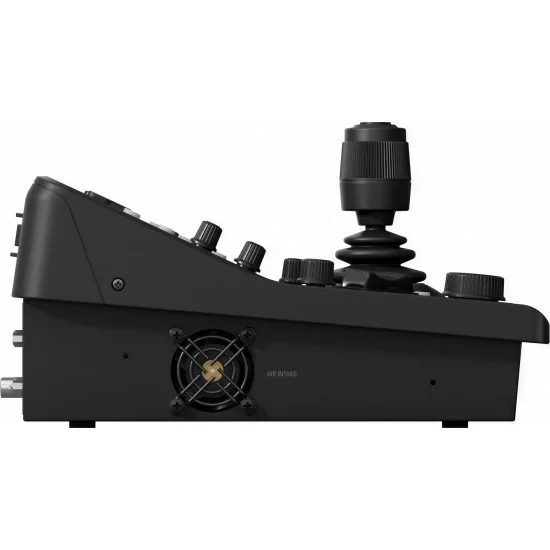
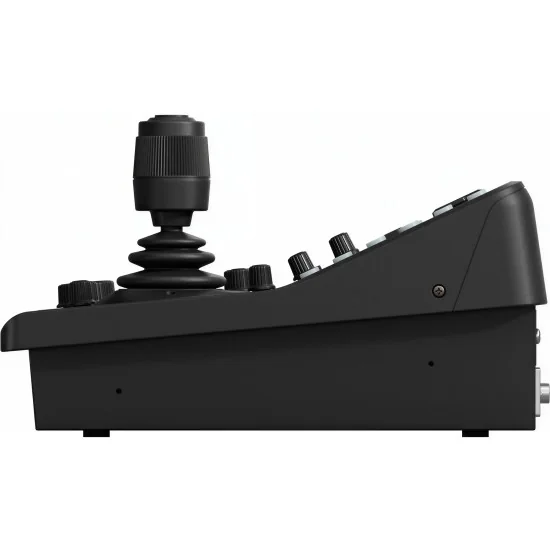
Studios juggling a fleet of remote heads need a console that responds without lag and keeps every shooter aligned. The Canon RC-IP1000 answers that brief with hardware-grade tactile control, a 7-inch capacitive touchscreen tilted slightly toward the operator, and protocol coverage broad enough to slot into IP-based broadcast galleries, corporate auditoriums, conference stages, lecture halls and outside-broadcast trucks alike.
At the centre sits a palm-grip joystick with a separate zoom rocker, supported by 42 buttons and 14 rotary dials that map to iris, gamma, knee, white balance and other shading parameters. Operators can configure custom button assignments per camera, store and recall up to 100 presets on each head, and trigger multi-preset moves that swing several cameras to choreographed angles in a single press. The programmable trace function records repeatable pan-tilt-zoom paths, letting a second camera be touched up mid-sequence without aborting the take — a practical answer to live music, sports cut-ins and scripted segments where timing is non-negotiable.
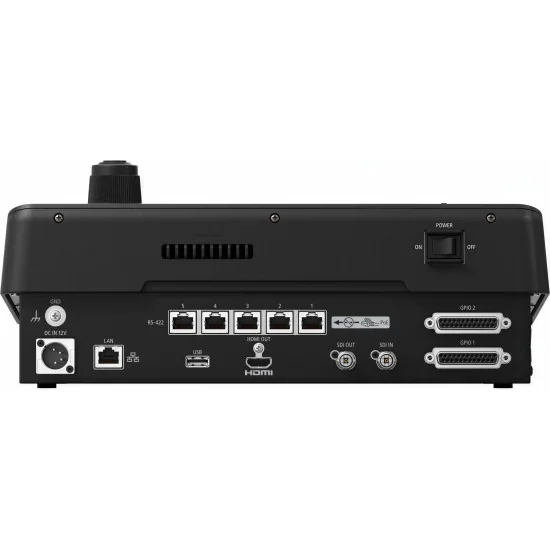
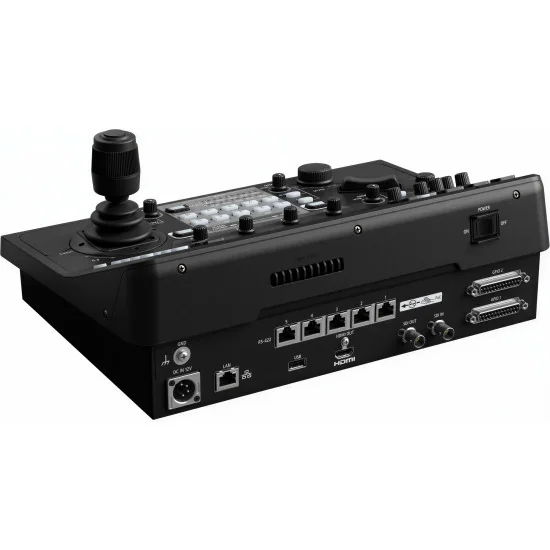
Connectivity covers what professional galleries actually require. 12G-SDI input and output handle 4K60 signals, with HDMI mirrored for confidence monitors or downstream switchers. A LAN port supports PoE+ for single-cable installs, a second RJ45 carries RS-422 serial commands, and dedicated GPIO over two D-Sub 25-pin connectors keeps tally and switcher integration tidy. Canon XC protocol over IP lets one unit manage up to 200 cameras across 20 groups, with PC-free setup keeping deployments fast on site, and a 2x2 or 3x3 multi-view shows nine feeds at a glance.
For producers running CR-N100, CR-N300, CR-N500, CR-N700 or CR-X300 rigs, the Canon RC-IP1000 consolidates shading, framing, focus and switcher tally onto a single ergonomic desk — a credible long-term investment for production houses tendering for higher-stakes broadcast contracts.
Studios juggling a fleet of remote heads need a console that responds without lag and keeps every shooter aligned. The Canon RC-IP1000 answers that brief with hardware-grade tactile control, a 7-inch capacitive touchscreen tilted slightly toward the operator, and protocol coverage broad enough to slot into IP-based broadcast galleries, corporate auditoriums, conference stages, lecture halls and outside-broadcast trucks alike.
At the centre sits a palm-grip joystick with a separate zoom rocker, supported by 42 buttons and 14 rotary dials that map to iris, gamma, knee, white balance and other shading parameters. Operators can configure custom button assignments per camera, store and recall up to 100 presets on each head, and trigger multi-preset moves that swing several cameras to choreographed angles in a single press. The programmable trace function records repeatable pan-tilt-zoom paths, letting a second camera be touched up mid-sequence without aborting the take — a practical answer to live music, sports cut-ins and scripted segments where timing is non-negotiable.
Connectivity covers what professional galleries actually require. 12G-SDI input and output handle 4K60 signals, with HDMI mirrored for confidence monitors or downstream switchers. A LAN port supports PoE+ for single-cable installs, a second RJ45 carries RS-422 serial commands, and dedicated GPIO over two D-Sub 25-pin connectors keeps tally and switcher integration tidy. Canon XC protocol over IP lets one unit manage up to 200 cameras across 20 groups, with PC-free setup keeping deployments fast on site, and a 2x2 or 3x3 multi-view shows nine feeds at a glance.
For producers running CR-N100, CR-N300, CR-N500, CR-N700 or CR-X300 rigs, the Canon RC-IP1000 consolidates shading, framing, focus and switcher tally onto a single ergonomic desk — a credible long-term investment for production houses tendering for higher-stakes broadcast contracts.
We ship across the EU for €20, free over €1,000.
B2B sales only, prices excl. VAT.
Official EU distribution and warranty.
Secure online payments via Stripe.
Send your enquiry via the form or email avgear@avgear.shop
COMMAND. CONTROL. CREATE
Master your live broadcast feeds by operating and monitoring up to 200 cameras via IP. With unrivalled control and no requirement for a PC, this professional PTZ controller boasts SDI and HDMI connectivity plus a 7-inch multi-function touchscreen, customisable buttons, dials and an ergonomic joystick for precise control.
IP Video and Input Monitoring
Monitor and control Canon camera feeds quickly and easily on the 7-inch touchscreen via IP with up to nine being viewable at once in various layout options. Whatever camera is chosen, the touchscreen will automatically switch to show that live feed. Alternatively, output one full-screen feed to an external monitor via the 12G-SDI or HDMI port.
Tactile precision, professional control
Fine-tune PTZ camera movements using the ergonomically designed joystick, designed to fit comfortably into the palm of your hand for intuitive twisting control. A customisable button on the top allows even greater versatility such as One Shot AF and Return to Home position.
Multiple physical buttons and dials
Control connected cameras thanks to 42 buttons and 14 dials that control functions such as Iris, Gamma, Knee and white balance. Backlit LEDs help general visibility while the professional zoom rocker ensures pinpoint accuracy when adjusting the zoom.
Easy set up without a PC
Use the RC-IP1000’s camera search function to find and register new cameras via the LAN. RC-IP1000 can change all system settings of up to 200 connected cameras such as IP address, ID, and password. It can also perform initial setup of camera and controller without a PC.
Multi-camera control made easy
Group all cameras together or up to ten in one group. Implement presets for multiple PTZ cameras at once as well as control others from Canon’s PTZ and Cinema EOS ranges, plus the XF605 Pro Camcorder.
Professional inputs and connections
Incorporate the RC-IP1000 into existing infrastructures or use remotely thanks to a wide range of inputs including DC 12V XLR port, five Serial RJ45 ports, LAN/POE+, USB, HDMI Out, 12G-SDI in/out and two GPIO D-Sub 25pin channels. By using the GPIO/SDI connection with a video switcher, the selection of camera on RC-IP1000 can perfectly link with the selection of camera on video switcher automatically.
Advanced Pre-Set and Trace control
Control another camera during a trace and set your other camera positions without having to wait until the trace/pre-set is finished. Register and manage presets and traces by naming them via the touchscreen and use the physical button on the RC-IP1000 for quick access to the pre-set and trace. Preset thumbnail images give a snapshot of each camera’s feed, including a 3x3 grid , for easy camera selection during broadcast.
Specifications:
| General | |
|---|---|
| Power supply (adapter) | DC12V |
| Power supply (PoE) | Yes (PoE+) |
| Exterior dimensions | W 342 mm x H 145 mm x D 245 mm (excluding protrusions) |
| Weight | approx. 3.4 kg |
| Operating Temperature | 0°C - 40°C |
| LCD Display | 7-inch touch panel |
| Supported protocols | XC Protocol (IP) NU Protocol (Serial) |
| Connection specs | |
| No. of connectible cameras | 200 (IP), 5 (Serial) |
| No. of camera groups | 20 (10 units per 1 group) |
| Inputs/Outputs | |
| Power Supply | XLR-4pin (10.8 to 20V) |
| Video input/output | IP IN (video switch with camera selection; 2x2/3x3 multi-camera video display) 12G-SDI IN/OUT (2K/4K, no additional information such as audio/TimeCode except through-out) HDMI OUT (2K, no additional information such as audio/TimeCode) |
| Serial Interface | RJ45 x 5 |
| Tally/GPIO | D-sub 25pin x 2 |
| Video display on touch panel | YES (SDI IN/IP) |
| Touch focus from screen | YES (SDI IN/IP) |
| USB | USB Type A x 2 (for saving settings data, firmware update) |
| Memory | |
| Preset | Up to 100 for each camera (depends on camera specs) |
| Hard button support for presets | Yes (used with camera number buttons) |
| Trace | Up to 10 for each camera (depends on camera specs) |
| Control Panel | |
| Menu operation | Yes (touch panel or arrow button and SET/BACK buttons) |
| No. of user buttons | 5 (USER1 to USER10 can be controlled from the touch panel) |
| Touch focus from panel | YES (SDI IN/IP) |
| No. of camera Selectable Buttons | 10 (usable as preset select) |
| Others | |
| Initial camera settings without PC | YES |
| Simultaneous multi-camera setup | YES |

Data sheet
Specific References