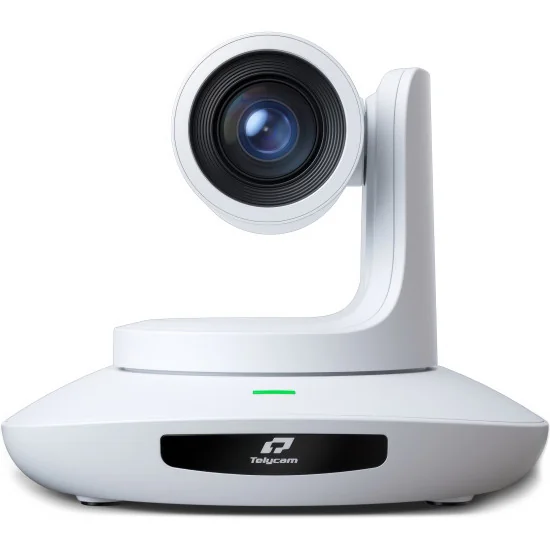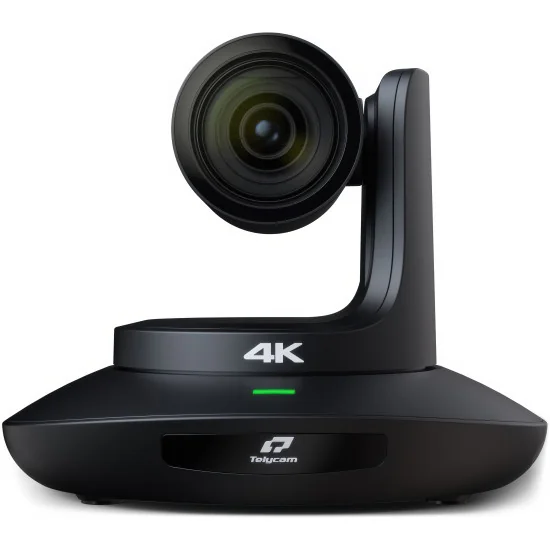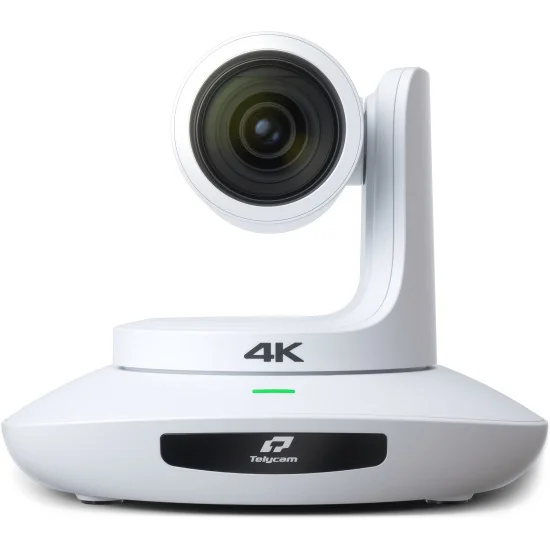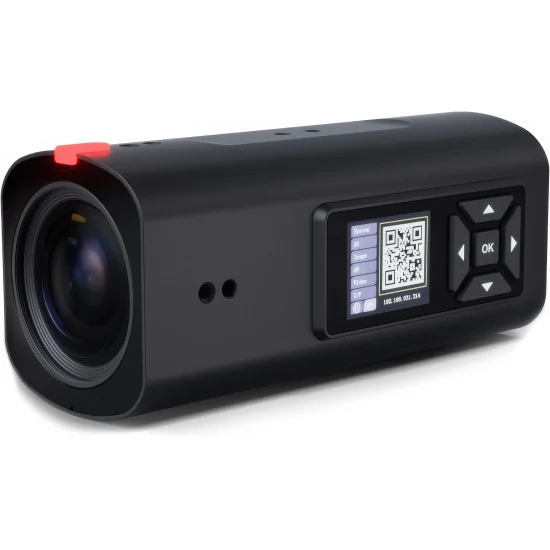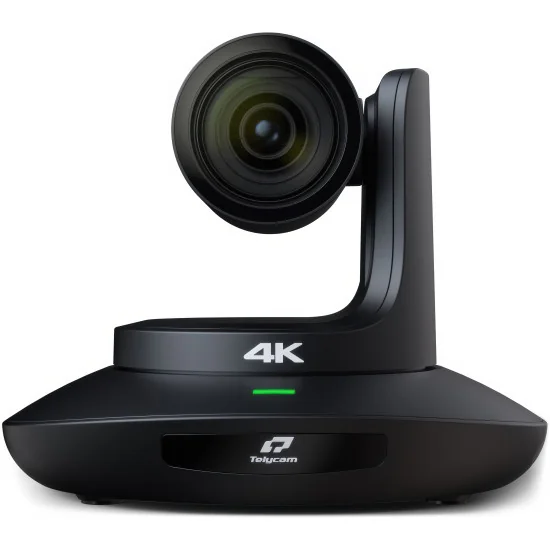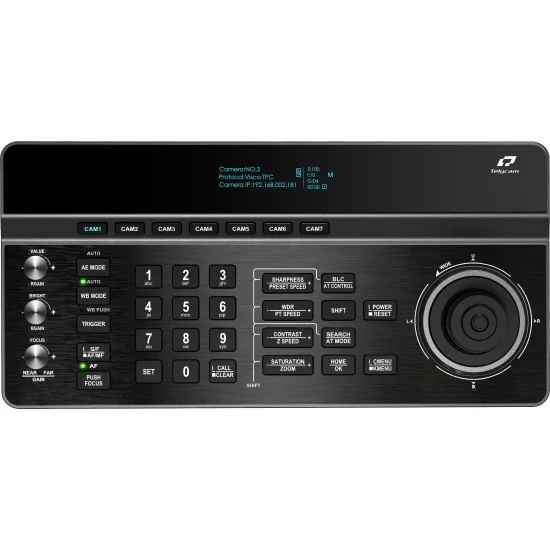
Telycam V-Joy+ AT BK PTZ Camera Controller
€659.00
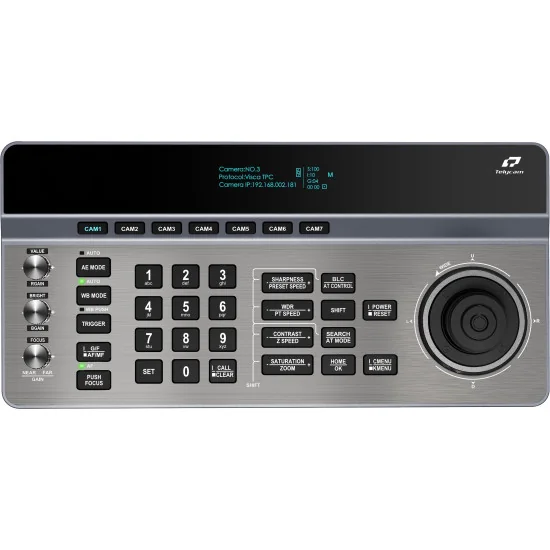
Telycam V-Joy+ AT BK is a professional PTZ camera controller built for control rooms, OB trucks and live streaming rigs. A bright 3.12-inch...
Telycam supplies the cameras, remote controls and video switching equipment that connect a meeting room to a production desk. Established in 2014, the manufacturer works across video conferencing, professional AV and broadcast capture. Its range at avgear.shop covers different production scales: a presenter speaking to a computer, several cameras covering a conference, or a television set requiring UHD signals and external synchronisation. Choosing within the range starts with the shot, the connection and the operator’s responsibilities.
Remote pan, tilt and optical zoom let an operator change framing from a control position while cameras remain installed around the room. Saved positions serve recurring shots of a lectern, interview chair or demonstration area. The Vision+ and current Explore models discussed here also provide automatic subject tracking, so a presenter can move without continuous joystick operation. Tracking still needs a suitable camera position and a clear view of the subject. For productions with a separate camera operator, the Telycam V-Joy+ AT controller provides physical controls for framing, presets and tracking, using supported IP or serial protocols.
A small meeting room and a filmed training session place different demands on the camera. Telycam Meet+ 200 combines USB video, electronic framing and two microphones for computer-based conferencing. For a stage, teaching space or YouTube studio, the Telycam Vision+ SE HDMI BK provides a motorised head, 12× optical zoom and UHD video up to 60 frames per second over HDMI and NDI HX3. Its CMOS sensor is type 1/2.8, and the lens covers an 80.5° horizontal view at its widest setting. That width is useful for a desk with several participants; optical zoom then isolates the speaker. The Telycam Vision+ 4KN 12x BK also offers 12× zoom, 4K60 HDMI and NDI HX3, with an additional 3G-SDI output up to 1080p60 for an HD production desk. Both Vision models accept an external audio feed through a 3.5 mm stereo line input.
For a camera mounted towards the back of an auditorium, the Telycam Explore 100 BK combines a type 1/1.8 9 MP CMOS sensor with 30× optical zoom. It supplies UHD 3840 × 2160 at up to 60 frames per second through 12G-SDI and HDMI 2.0, alongside NDI High Bandwidth and NDI HX3 network transport. A production company can therefore choose a baseband connection to a switcher or an IP contribution to compatible software. Explore 100 and Explore 500 use brushless DC motors with coordinated pan, tilt and zoom during preset recall. Their front and rear tally indicators identify programme and preview status for people on set and behind the cameras.
The Telycam Explore 500 BK brings a Sony type 4/3 9 MP CMOS sensor and 20× optical zoom to studio interviews and live stage coverage. Its autofocus combines phase and contrast detection, while an optical low-pass filter addresses moiré and aliasing from detailed scenery and LED displays. An internal ND filter provides selectable light transmission for exposure control. Explore 100 and Explore 500 both accept audio through mini-XLR with phantom power or a 3.5 mm stereo line input. Their microSD recording keeps a file at the camera for later review or editing, independently of the recording destination used by the production desk. The microphone connection and recording provision belong to these specified models; they are not features to assume across every Telycam camera.
Camera operation and programme assembly meet in the Telycam Mix One. This video switcher incorporates PTZ control, preview monitoring, graphics, audio mixing, streaming and recording. HDMI, USB and IP sources can share a production, with NDI HX3, SRT, RTMP and RTSP among the supported network formats. Up to six sources are supported in HD; the published 4K mode is limited to three concurrent inputs with layer effects disabled. A Hall-effect joystick, zoom controls and a focus knob keep camera adjustments close to the switching controls. Picture-in-picture can place a presenter alongside slides, while titles and lower thirds identify guests. An XLR input with 48 V phantom power and Audio Follow Video support the audio mix. Mix One records to external USB media or SD cards; it does not provide ISO recording of individual camera feeds. That distinction matters for teams planning a separate edit after transmission.
Begin with the distance to the subject and the width of the required shot. A 30× label describes the ratio between the lens’s wide and telephoto ends; it does not specify a universal working distance. The 80.5° wide horizontal view of the Vision+ 4KN 12x can accommodate a group close to the camera, while the Explore 100’s 30× lens suits tighter framing from a more distant position. Telycam’s optical zoom calculator relates installation distance to scene coverage. Check both the widest group shot and the closest planned portrait before selecting the lens.
Check the format at each connection, rather than treating “4K camera” as a specification for every socket. The Vision+ 4KN’s 3G-SDI output is HD; Explore 100 and Explore 500 provide 4K60 through 12G-SDI, while their separate 3G-SDI output carries an HD crop. USB on the Vision+ 4KN and these two Explore models reaches 4K30 in supported compressed formats, and USB output cannot run simultaneously with NDI. Network planning must account for the selected NDI mode and the combined traffic from all cameras. Power requirements also differ: the two Vision models use PoE+ IEEE 802.3at, whereas Explore 100 and Explore 500 require PoE++ IEEE 802.3bt for Ethernet power. Match both the switch’s per-port supply and its total power budget to the installation.
In a virtual studio, video timing and camera-position data serve separate purposes. Genlock on Explore 100 and Explore 500 accepts a reference for camera synchronisation. FreeD transmits pan, tilt, zoom and focus information to a compatible virtual-set system, allowing the rendered viewpoint to follow camera operation. The Vision+ models discussed above support FreeD too, but that does not give them a genlock input. Select these functions against the actual requirements of the switcher and graphics system, then configure the camera tracking and virtual scene together. Confirm both interfaces before specifying the studio’s signal connections.